Plumbing website: 7 things it needs before you pay for clicks
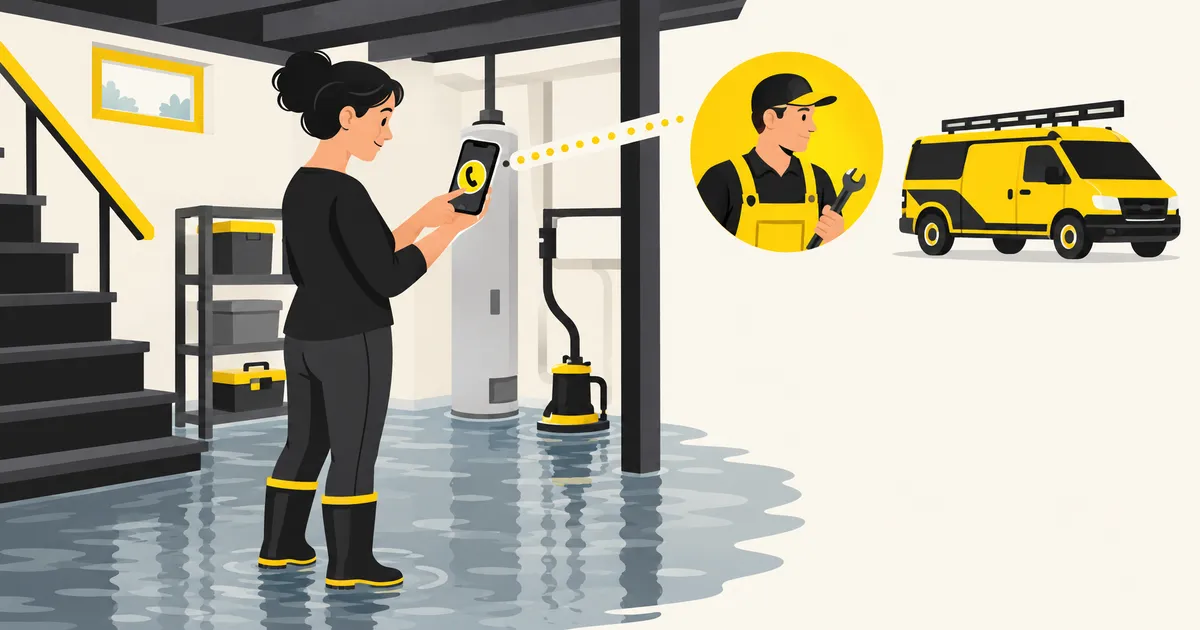
Ad clicks cost money, so check your plumbing website first. Seven checks, based on what people search for in five US cities and Google's help pages.
Who this is for: Plumbing shop owners who are about to run Google Ads and want the page ready first What you’ll get: Seven checks for your plumbing website, each tied to search data or to Google’s own help pages
Fix the page before you pay for clicks. A person who clicks your ad should see three things right away. You do the job they searched for, you work in their town, and they can call you now. If any of the three is missing, you still pay for the click, and the visitor may leave without contacting you.
Clicks cost money, so the page has to work
Here is Google’s forecast of the average cost of one click in five US cities. It uses the same budget and a middle bid cap in each city.
| City | Job-specific keywords | “Plumber” keywords |
|---|---|---|
| Dallas, TX | $12.52 | $15.15 |
| Phoenix, AZ | $13.03 | $18.06 |
| Columbus, OH | $10.53 | $17.50 |
| Knoxville, TN | $12.35 | $15.34 |
| Boise, ID | $10.96 | $20.18 |
Source: Google Ads Keyword Planner forecast (https://support.google.com/google-ads/answer/3022575) (forecast period 2026-10-19 to 2026-11-17; retrieved 2026-10-18). Compiled by Wrench & Ring.
Job-specific keywords include drain cleaning, sewer line repair and water heater replacement. “Plumber” keywords include plumber and plumber near me. You pay for each billed click whether or not the visitor calls. Google does not charge for clicks it finds invalid (invalid traffic). A page that loses visitors makes every one of these clicks more expensive per call.
What people in five cities actually search for
The searches show what visitors expect to find. Here are average monthly searches from Google’s Keyword Planner.
| City | plumber | plumber near me | plumber [city] | water heater repair | drain cleaning |
|---|---|---|---|---|---|
| Dallas, TX | 4,400 | 3,600 | 1,600 | 590 | 590 |
| Phoenix, AZ | 5,400 | 3,600 | 2,400 | 480 | 590 |
| Columbus, OH | 1,900 | 2,400 | 1,900 | 260 | 390 |
| Knoxville, TN | 880 | 1,900 | 1,600 | 70 | 170 |
| Boise, ID | 720 | 880 | 880 | 170 | 110 |
Source: Google Ads Keyword Planner, average monthly searches (https://support.google.com/google-ads/answer/7337243) (each city as the location; retrieved 2026-10-18). Compiled by Wrench & Ring.
Many searches ask for someone nearby, with “near me” or the city name. Others name a job, like water heater repair or drain cleaning. A good page answers both. It says what you do and where you do it.
The 7 things to check
1. Your shop’s name and your own phone number
Put your business name and your own number at the top. If the number on your page is not yours, you may lose it when you change vendors.
2. A call button that works on a phone
Make the number a button that dials when tapped. Put it where the visitor sees it without scrolling. Google describes landing page experience as how relevant and useful the page is to people who click your ad (Google’s explanation). A visitor with water on the floor finds a call button useful.
3. The jobs you want, by name
List the jobs you want more of, using the words people search for. In the table above, water heater repair had 70 to 590 searches a month. Drain cleaning had 110 to 590. If you want sewer or water heater work, say so in those words.
4. The towns and ZIP codes you serve
Name your service area on the page. “Plumber” plus the city name had 880 to 2,400 searches a month in these cities. Google Ads can also target cities or postal codes (location targeting). Use the same area in your ads and on your page. That way a visitor from outside your area learns it before calling.
5. The hours you pick up the phone
Say when you answer. Google lets you run ads only at certain times, such as when staff are available to answer (ad scheduling). If you do not answer at night, do not run ads at night. If you do, say it clearly on the page.
6. Words that match your ads
If your ad says water heater replacement, the page should too. A visitor who sees different words may think they landed in the wrong place. This is the relevance Google describes in its landing page experience.
7. Nothing that sends visitors to other plumbers
Point your ads at your own page, not a directory or a listing that shows other shops. If the page shows other plumbers, the visitor you paid for can call one of them instead.
A quick test before you turn ads on
Hand your phone to a friend and open your page. Ask them to find out whether you fix water heaters in their town, and then to call you. Watch where they get stuck.
If they cannot find the call button, fix that first. If they are not sure you serve their town, fix that next. These fixes are cheap next to a month of clicks.
A page is part of the setup
Wrench & Ring builds a free page for your shop. It covers the jobs you want, your area, a big call button and a short form. You can see the top of yours in about a minute, and we email a forecast for your city. See your free page.
Sources
This article is general information. Your own numbers will differ, so check the sources before you decide.
About this article
- Written by
- Rasterize Co., Ltd. (CEO: Fumiyasu Ishiguro). Drafted by AI, then checked by machine and by a second AI for facts and legal risk before publishing.
- Published
- Last updated
- About the sources
- Numbers and rules in this article come from the tools and pages listed under "Sources." We opened each page and checked it.
Type your shop name and city, and see the top of your own page right away. Your page is free, and so is our first month of work. You pay Google for clicks.
See my free page